What affordable housing compliance software does
Affordable housing compliance software records the work behind your program duties, including who asked for something, who approved it, what changed and when it happened. It does not replace your PHA system of record, which calculates rent and subsidy and files your HUD data, but it adds a workflow layer above that system. With that layer in place, your team can show how each decision was made whenever a board member, an auditor or HUD asks.
Why compliance tracking is hard for housing authorities
HUD’s public housing page says that about 3,300 housing agencies manage public housing for roughly 970,000 households. Each agency is in charge of running its own local program. Those agencies answer to several sets of rules at the same time, and the rules change on different schedules.
Public housing and voucher agencies send family data to HUD through the Public and Indian Housing Information Center, known as PIC, by submitting Form HUD-50058 records. Agencies that run Section 8 programs must also submit and verify their SEMAP certifications every year. Authorities that own or partner on tax credit properties face a second set of rules under federal regulation 26 CFR 1.42-5. Owners must keep records for each qualified building for every year of the compliance period, and they must certify to the credit agency at least once a year. The agency may also inspect the project and review tenant certifications.
The standards keep moving as well. HUD has extended the NSPIRE compliance date for voucher, project-based voucher and Moderate Rehabilitation programs more than once. Its latest listed extension, issued on September 30, 2025, runs through January 31, 2027, so any tool that tracks your inspections has to keep up with changes like these. Check HUD’s NSPIRE page for current dates.
Small teams carry all of this with very few people. The same staff members handle repair requests, procurement approvals, inspection follow-up and IT problems, and the evidence often sits in email threads and shared folders. When an auditor asks about one decision, finding the answer takes real effort if it lives in three inboxes and a spreadsheet.
What to look for in housing authority compliance software
Whether you call it PHA compliance software or housing authority compliance software, four features do the real work, so test each one in a demo that uses your own examples instead of a canned script.
Audit trails that show who changed what
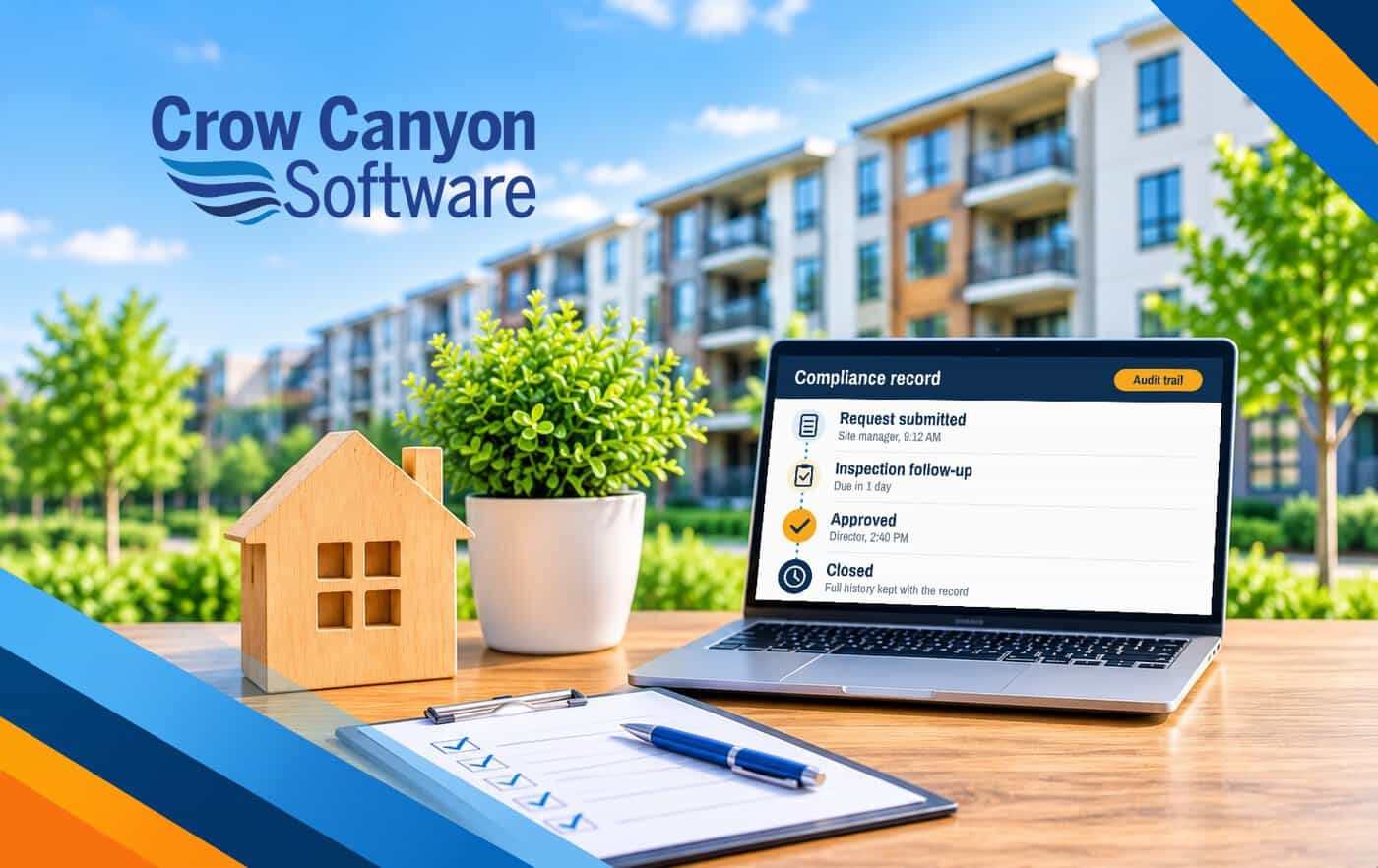
An audit trail logs every creation, edit and status change along with the user’s name and a time stamp. Ask to see the log for a closed request, and check that staff cannot change history without leaving a trace.
Reporting that staff can run without a vendor
Compliance reporting software for housing authorities should let your staff answer plain questions without opening a vendor ticket. Two cases are which requests are open past their due date and how many approvals came from one site last quarter. Look for filters by date, site, request type and status, and for reports that export in a format your auditors accept.
Approval history that stays with the record
Approvals are where many audit findings begin, so the record should show who approved a request, in what order, on what date and with what comment. Look for routing rules, such as sending any purchase above a set amount to a second approver. Make sure the history stays with the request after it closes.
Access control that matches your roles
Not every employee should see every record, so ask whether the tool uses your existing Microsoft 365 sign-in and permissions or needs its own user list. That list is a second place to add and remove people, and a second place to make mistakes.
No tool makes an authority compliant, because people and policy do that, but good software keeps the evidence so that you can show your process worked.
What a good record looks like in practice
Here is an illustrative example, and not a customer story. A site manager needs to hire a roofer for an urgent repair, and the request goes into the system with the date, the reason, the amount and the manager’s name. The director approves it the same day and adds a short note. Six months later, a board member asks why the work was approved so fast. You open one record, and the answer is there: who asked, who said yes, what they wrote and when it happened. Nobody has to search old email, and nobody has to rely on memory.
How this fits alongside your PHA system of record
Your PHA system of record stays in charge of the numbers. Platforms from vendors such as Yardi and MRI Software are built for accounting, rent and subsidy calculation, and HUD submissions. Yardi describes Voyager PHA as integrating compliance, accounting and property management, and MRI describes its affordable housing software as covering rent calculations, inspection tracking and TRACS submissions. Crow Canyon does not compete with any of that, and you should not ask a workflow tool to do it. For a fuller breakdown of these platforms, read our guide to affordable housing software.
The workflow layer sits above that system. It tracks the work that surrounds those records, such as a maintenance request, a procurement approval, an inspection follow-up, a policy exception or an IT ticket. Crow Canyon’s NITRO platform is built for this layer. It runs inside Microsoft 365, Teams and SharePoint.
| Task | PHA system of record (such as Yardi or MRI) | Workflow layer on Microsoft 365 |
|---|---|---|
| Calculate rent and subsidy | Yes | Not its role |
| File HUD data, such as Form HUD-50058 | Yes | Not its role |
| Own the general ledger and accounting | Yes | Not its role |
| Track internal requests and approvals | Varies by product | Yes |
| Keep an audit trail of who changed what | Varies by product | Yes |
| Run an IT help desk and asset tracking | Not its purpose | Yes |
| Let staff build their own reports and forms | Varies by product | Yes, with no-code/low-code tools |
The system of record answers what is owed and what was filed. The workflow layer answers who did what and when, so an authority needs both, and neither one replaces the other.
Crow Canyon’s housing authority software page describes NITRO use cases in this layer. They include help desk tickets, inspections with photos and deadlines, a shared property record for scattered-site portfolios, work orders, purchase requests and asset tracking. In one example on that page, a housing authority logs inspection findings with before and after photos and standard defect codes, and health and safety items are due in one day while others are due in 30, with daily reminders until each one is resolved.
Microsoft 365 and data residency considerations
If your staff already work in Microsoft 365, a tool that runs there starts with an advantage, because your people, your sign-ins and your files are already in place. Our guide to Microsoft 365 for housing authorities covers where it helps most. The next question is where the data sits.
Microsoft defines data residency as the geographic location where customer data is stored at rest. Your tenant’s default geography comes from the country or region chosen when the tenant was created, and Microsoft says it cannot be changed afterward.
Many housing authorities are public bodies created under state law. Microsoft offers its own government cloud, Microsoft 365 GCC, to eligible state and local agencies, and it checks each buyer’s eligibility first. In GCC, Microsoft states that customer content is stored at rest in datacenters located only in the United States, so ask your Microsoft partner whether your authority qualifies. Our guide explains what GCC High is and how it compares with GCC.
Then ask where the compliance tool keeps its own copy of your data. Crow Canyon states that NITRO Studio runs entirely within your Microsoft 365 tenancy and that your data is stored within that tenancy or your SharePoint farm. NITRO also supports SharePoint on-premises, including SharePoint Server Subscription Edition, 2019 and 2016, for authorities that keep servers in-house.
Cloud certifications, such as the FedRAMP High commitment that Microsoft documents for GCC, apply to Microsoft’s cloud. They do not extend on their own to every application you add, so ask every vendor, Crow Canyon included, what it does and does not certify.
Questions to ask any vendor before you choose
Bring this list to every demo, because a clear answer to each question tells you more than a tour of features does. For pricing models and rollout planning, see our housing authority software buyer’s guide for small PHAs.
- Where is our data stored, and does any copy of it leave our Microsoft 365 tenant?
- Does the tool use our existing sign-in and permissions, or does it need a separate user list?
- Can you show the audit log and the approval history for a closed request, live, during the demo?
- What does the product not do, for example calculate rent or file HUD data, because a plain answer to that question is a good sign?
- How is the price set, and what would it cost at twice our current number of users? Crow Canyon publishes NITRO Help Desk pricing as flat, unlimited-user pricing from $3,588 a year, with no per-seat fees.
- Who builds and changes the workflows, which could be our own staff using no-code/low-code tools or the vendor for an extra fee?
- Can we export all of our records and history if we decide to leave?
- Can we start with one workflow and add others later without a new contract?
Crow Canyon will walk through these questions using your own cases, and you can request a demo or review the NITRO Help Desk pricing first.