
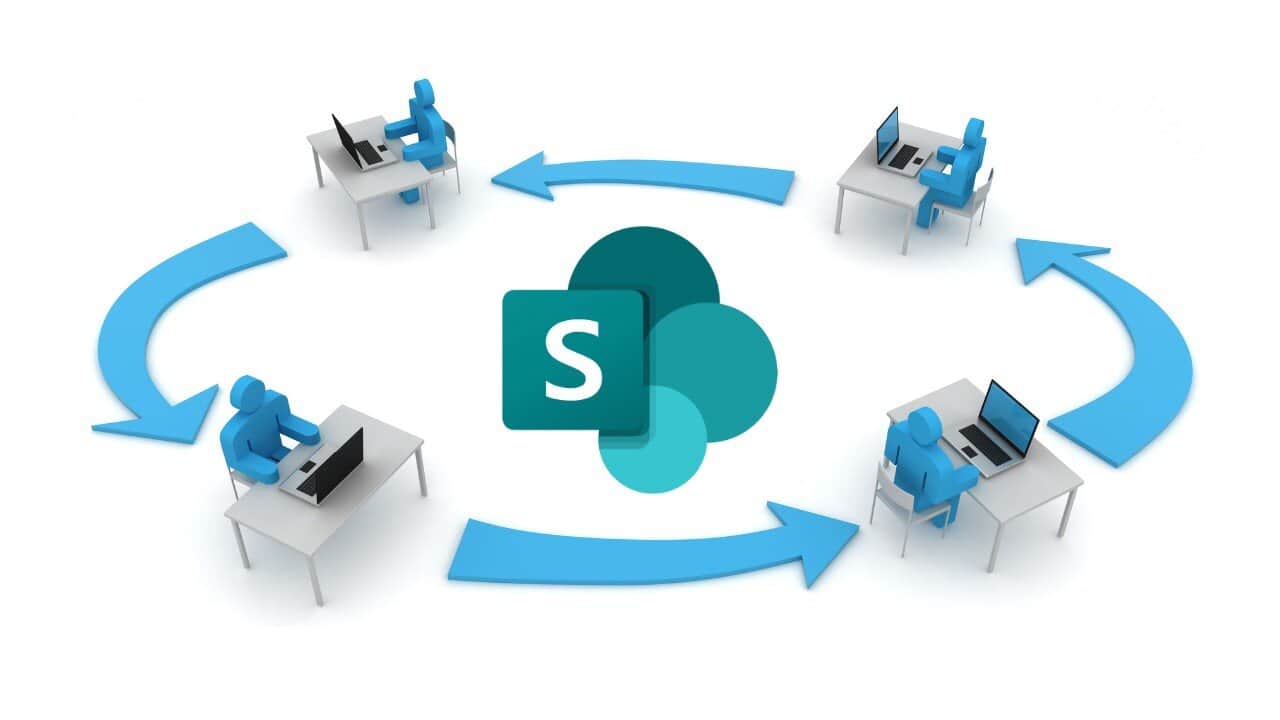
 A SharePoint workflow is a process automation built using SharePoint lists, libraries, forms, and triggers. SharePoint can support simple approvals and basic routing, but it has limitations: legacy workflow tools are deprecated, Power Automate adds cost and complexity, and advanced automation requires custom development. Organizations that need scalable, no‑code, AI‑powered workflows typically use solutions built on Microsoft 365 (such as NITRO Studio) to extend SharePoint with modern automation, forms, routing, and reporting.
SharePoint has long been used to build workflows for approvals, routing, task assignments, and document‑centric processes. It’s a familiar platform, tightly integrated with Microsoft 365, and widely adopted across organizations.
But in 2026, the question most teams ask is no longer “Can SharePoint do workflows?” It’s “Is SharePoint the best way to automate workflows today?”
The answer depends on the complexity of your processes…and how much time, cost, and technical overhead you’re willing to invest.
What SharePoint Can Handle Well
SharePoint is still effective for:
- Simple approval workflows
- Basic routing based on list values
- Document review and sign‑off
- Lightweight task tracking
- Processes that don’t change often
If your workflows are straightforward and low‑volume, SharePoint’s native capabilities may be enough.
But most organizations eventually hit limitations.
Where SharePoint Falls Short for Workflow Automation
1. Deprecated Workflow Tools
SharePoint Designer workflows are retired, and InfoPath is gone. Power Automate is the replacement, but it introduces:
- Additional licensing
- Steeper learning curves
- More technical maintenance
- Higher long‑term complexity
2. Customization Requires Development
SharePoint can automate processes, but anything beyond basic logic requires:
- JSON
- PowerShell
- REST API calls
- Custom forms
- Custom UI components
This makes workflows harder to maintain and scale.
3. Limited Scalability for High‑Volume Processes
As workflow volume increases, SharePoint lists can become:
- Slow
- Hard to manage
- Difficult to report on
- Prone to throttling
4. Missing Modern Automation Features
SharePoint alone does not provide:
- AI‑driven routing
- Intelligent escalations
- SLA tracking
- Multi‑step conditional logic
- Modern dashboards
- User‑friendly forms
- Self‑service portals
These gaps matter for IT, HR, Facilities, Purchasing, and other departments that rely on automation.
The Modern Approach: Extend SharePoint Instead of Fighting It
SharePoint is still an excellent foundation, but it’s no longer the full solution. Organizations now use Microsoft 365‑native workflow platforms that run inside SharePoint and Teams to deliver modern automation without the complexity.
NITRO Studio is one of the most widely adopted platforms for this purpose.
Why Organizations Choose NITRO Studio for SharePoint Workflows
1. No‑Code Workflow Builder
Create workflows with drag‑and‑drop logic instead of code. Configure:
- Approvals
- Escalations
- Conditional routing
- Notifications
- Multi‑step processes
All without Power Automate licensing.
2. AI‑Powered Automation
NITRO Studio adds capabilities SharePoint doesn’t include:
- AI routing
- AI summaries
- Intelligent escalations
- Automated task assignments
- Smart reminders
This dramatically reduces manual workload.
3. Modern Forms & User Experience
Replace outdated SharePoint forms with:
- Responsive, dynamic forms
- Conditional fields
- Role‑based layouts
- Modern UI components
- Integrated self‑service portals
This improves adoption and reduces training time.
4. Scalable Architecture
NITRO Studio is built for:
- High‑volume workflows
- Complex processes
- Multi‑department automation
- Enterprise‑level scalability
SharePoint becomes the data layer and NITRO becomes the automation engine.
5. Microsoft 365 Native Integration
NITRO works seamlessly with:
- SharePoint
- Teams
- Outlook
- Microsoft Lists
- Azure AD
- Copilots
This keeps your workflows inside the Microsoft ecosystem.
6. Lower Cost Than Power Automate
No premium connectors. No per‑flow charges. No unpredictable licensing. Just predictable, scalable workflow automation.
When to Use SharePoint and When to Use NITRO Studio
| Workflow Type | SharePoint Alone | SharePoint + NITRO Studio |
|---|---|---|
| Simple approvals | ✔️ Works well | ✔️ Works well |
| Multi‑step routing | ⚠️ Requires development | ✔️ No‑code/low-code |
| SLA tracking | ❌ Not supported | ✔️ Built‑in |
| High‑volume workflows | ⚠️ Performance issues | ✔️ Scalable |
| Modern forms | ❌ Requires custom dev | ✔️ Included |
| Department‑wide automation | ❌ Hard to maintain | ✔️ Easy to manage |
Conclusion
SharePoint is still a strong platform for collaboration and basic workflows, but it’s no longer the best standalone solution for modern automation. Organizations that need scalable, no‑code, AI‑powered workflows use platforms like NITRO Studio to extend SharePoint and Microsoft 365 with the automation capabilities today’s teams require.
If you’re ready to modernize your workflows, reduce manual work, and eliminate outdated tools, NITRO Studio gives you everything SharePoint is missing without leaving the Microsoft ecosystem.



