
IT Helpdesk Software for SharePoint
and Microsoft 365
NITRO Help Desk, built natively on SharePoint, Microsoft 365,
and Teams. Deliver faster, easier support.
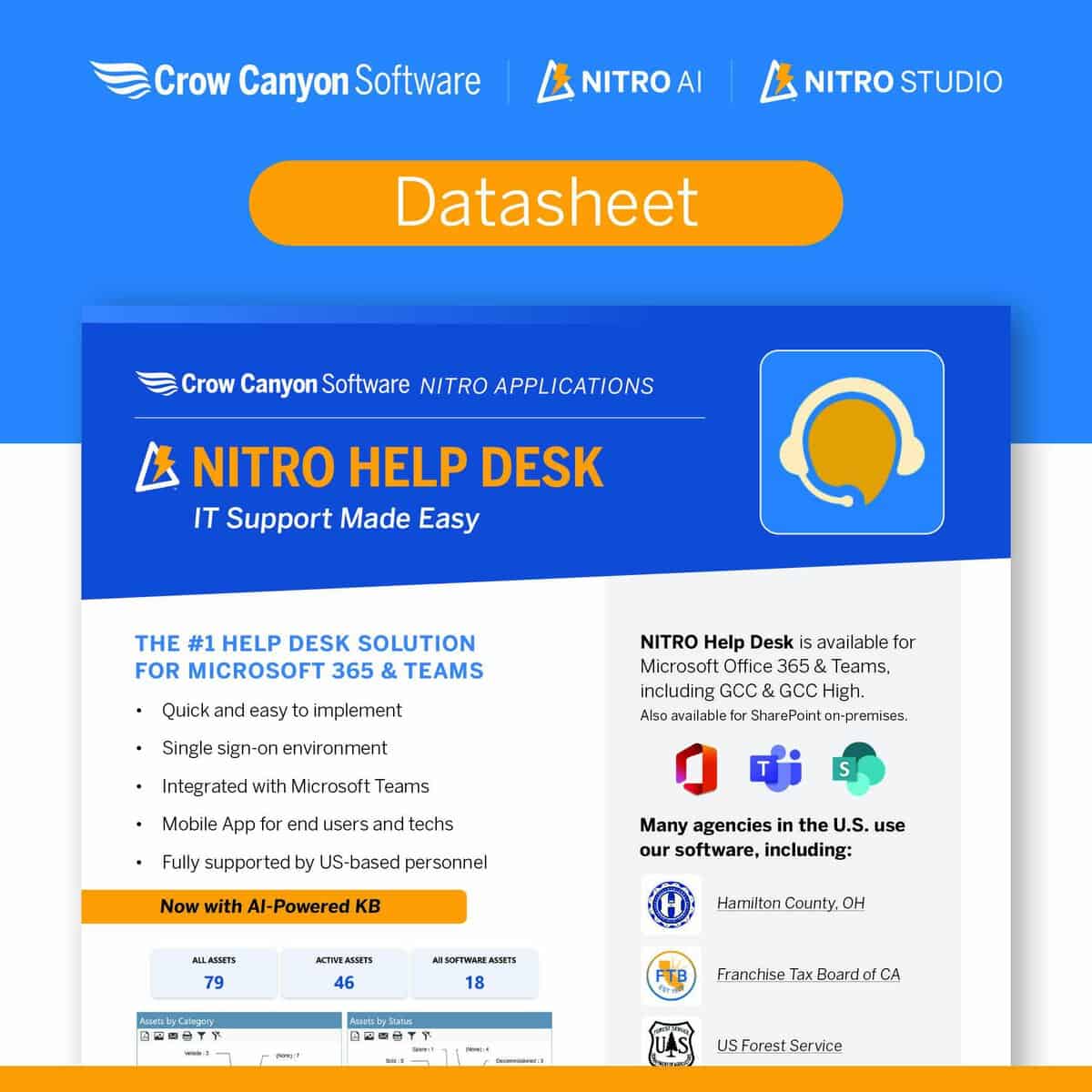
NITRO Help Desk is IT helpdesk software that runs natively inside SharePoint, Microsoft 365, and Teams. It turns email, Teams, and web requests into tracked tickets, automates routing and SLAs, and reports on performance, all while your data stays in your own Microsoft 365 tenant. It is available in Standard and AI-powered Advanced editions.
#1 ticketing system software for Office 365 & Teams
Deliver faster, easier support using Microsoft 365, Teams, & SharePoint.
Faster, easier IT help desk support leveraging M365, Teams, and SharePoint.
A help desk ticketing system for Microsoft 365 and Teams.
NITRO Help Desk for IT delivers the features you need for superior service delivery.
Multiple ways for users to get answers.
- Omni-channel support.
- AI-powered KB.
- Teams app.
- Mobile app.
- Single sign-on.
Tools for staff to deliver faster service.
- Ticket automation.
- AI-powered responses.
- Service Level Agreements (SLAs).
Easy visibility for managers.
- Real-time and historical reports.
- Dashboards.
- Workspaces.
- Trend analysis.
- Satisfaction surveys.
Many teams start with a homegrown helpdesk built from SharePoint lists, Power Automate flows, and a few Power Apps screens. That works until you need real SLA tracking, escalations, analytics, and a system that doesn’t break every time someone updates a flow.
NITRO Help Desk is the supported, no‑code/low‑code upgrade to that DIY setup, built entirely on SharePoint and Microsoft 365 so your team keeps the same platform while gaining enterprise‑level functionality.
Measure & track service.

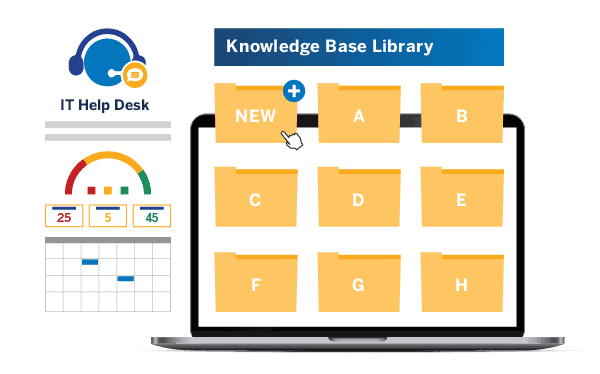
Improve incident resolution times.
Plus more.
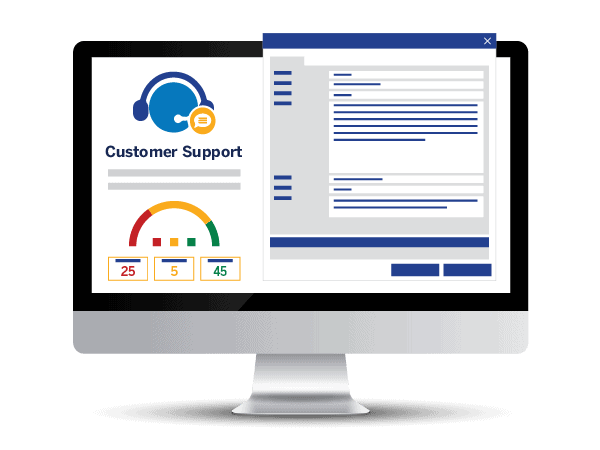
Online or on-premises.
Runs in Office 365 or SharePoint 2013, 2016, 2019, SE. Powered by NITRO Studio.
- Powerful Forms Designer
- Custom Actions for efficient processing
- NITRO Workflow engine
- Reporting and Dashboards
- Intuitive Portal Interfaces
Now with Microsoft Teams Integration and Bots!






NITRO Help Desk for IT includes…
 Dynamic, Responsive Forms that can run on any device.
Omnichannel Support – users can utilize email notifications, web, portals, Teams, bots, texting, and more to contact the help desk. Problem & Change Management – resolve recurring incidents and improve service environment.
Updated UI helps users navigate the portal and helps technicians navigate through the product.
Workflows & Actions that automate many processes, approvals, assignment, escalations, closing tickets.
Reports & Dashboards that give both an immediate and historical view of Help Desk Ticketing System status.
SLAs can be set up by category, department, user, location, and priority. Extensive SLA reports.
Knowledge Base and Self-service capabilities, including Bots
Track time spent on each ticket. Review performance reports showing where your team might need more help or training.

Featured Case Study
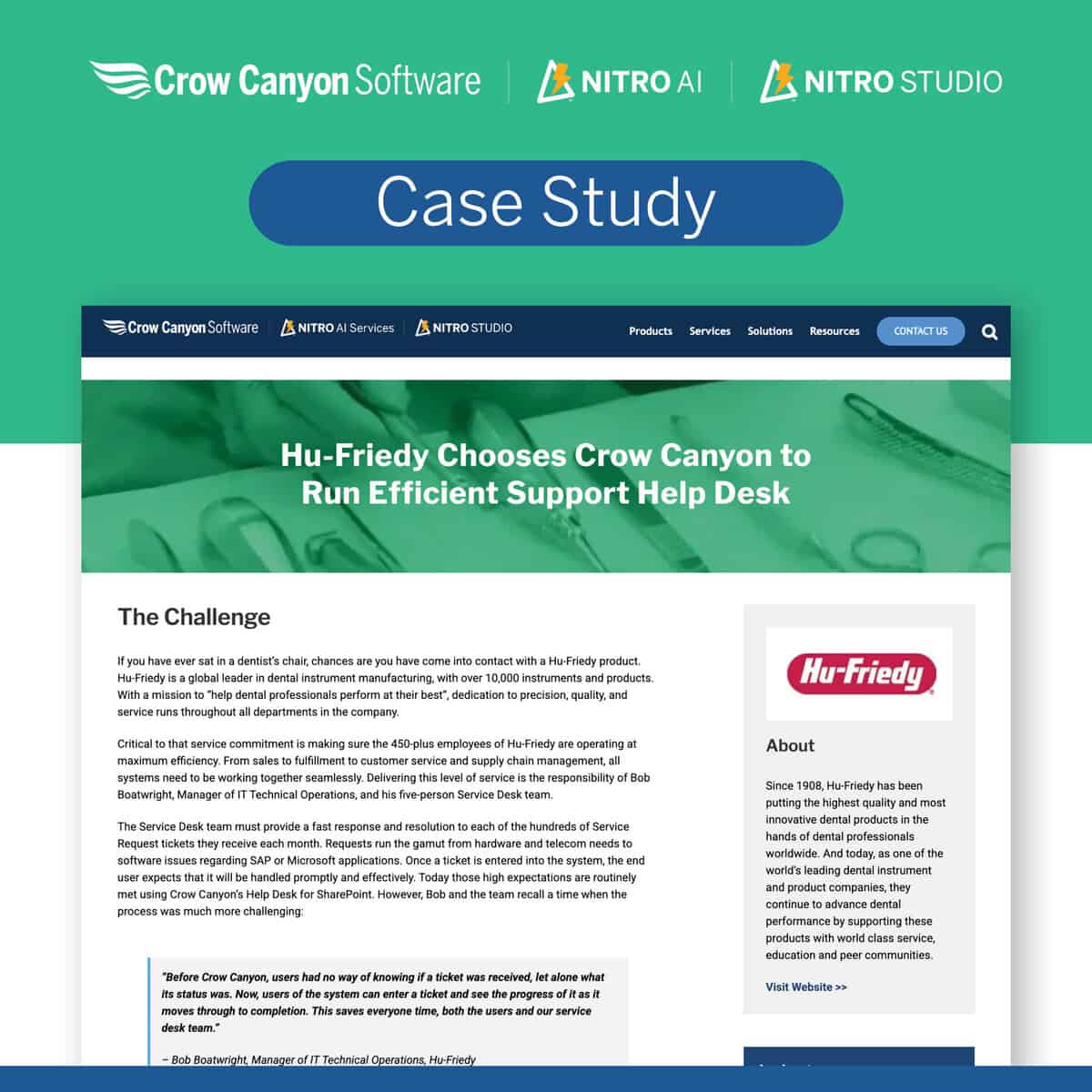
Help Desk for Higher Education: Better Service to Faculty and Students
Managing IT within higher education can be a huge undertaking. The IT staff is often faced with the daunting task of providing quick and efficient services to tens of thousands of users across multiple colleges, departments, and locations with a hybrid learning environment. Learn how this large university manages their users.
All Our Applications are
“Two words – “User Friendly”. We had two training sessions and full adoption within 30 days, over 600 employees.”
Jimmy T., SVP of Information Technology
⭐⭐⭐⭐⭐ 5 Stars on Software Advice
Resources
Contact Us for Pricing

REQUEST A QUOTE

TALK WITH NITRO IT HELP DESK SPECIALISTS (925) 478-3110

EMAIL sales@crowcanyon.com


