SharePoint Alerts Retirement Made Easy
Replace with NITRO Alerts
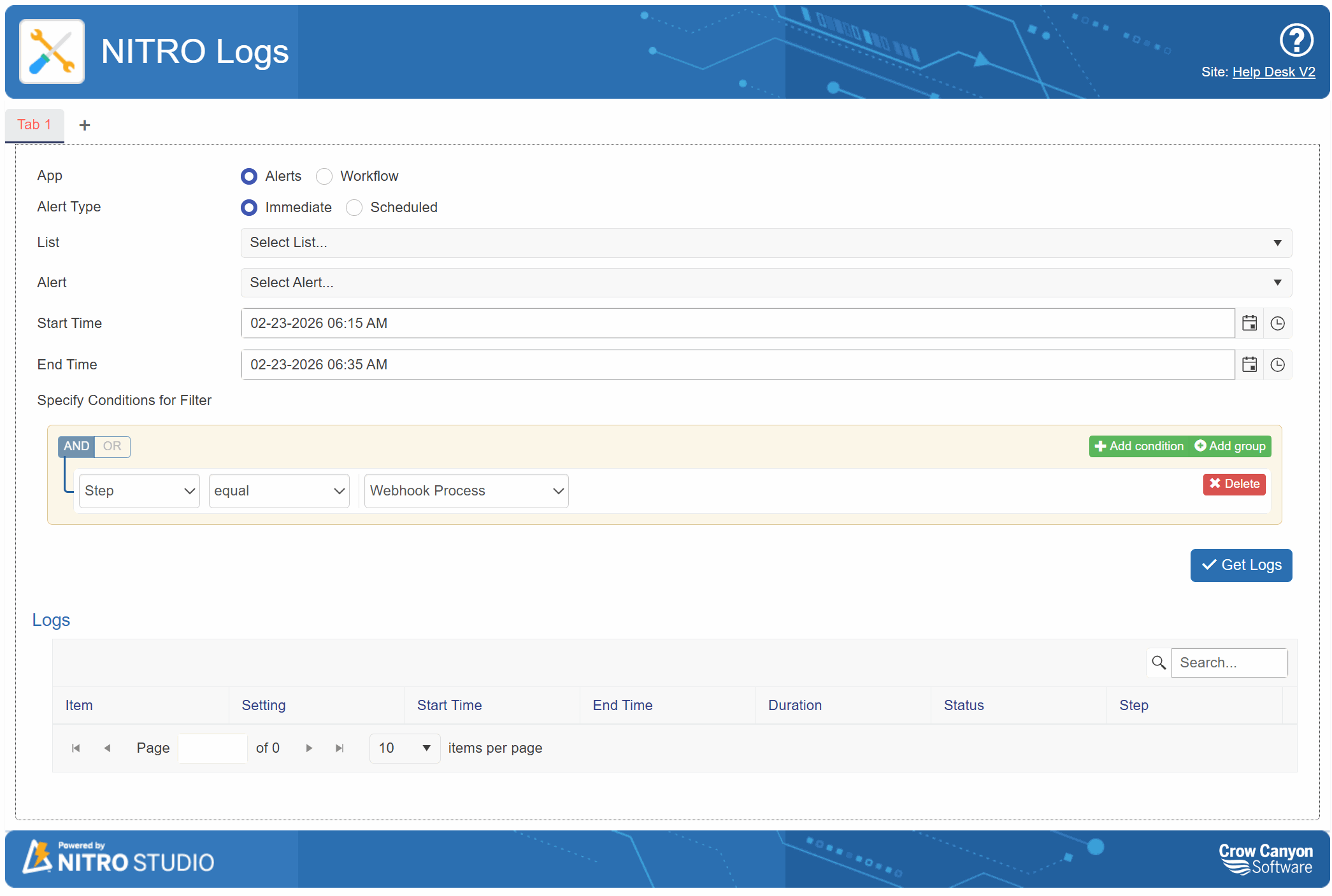
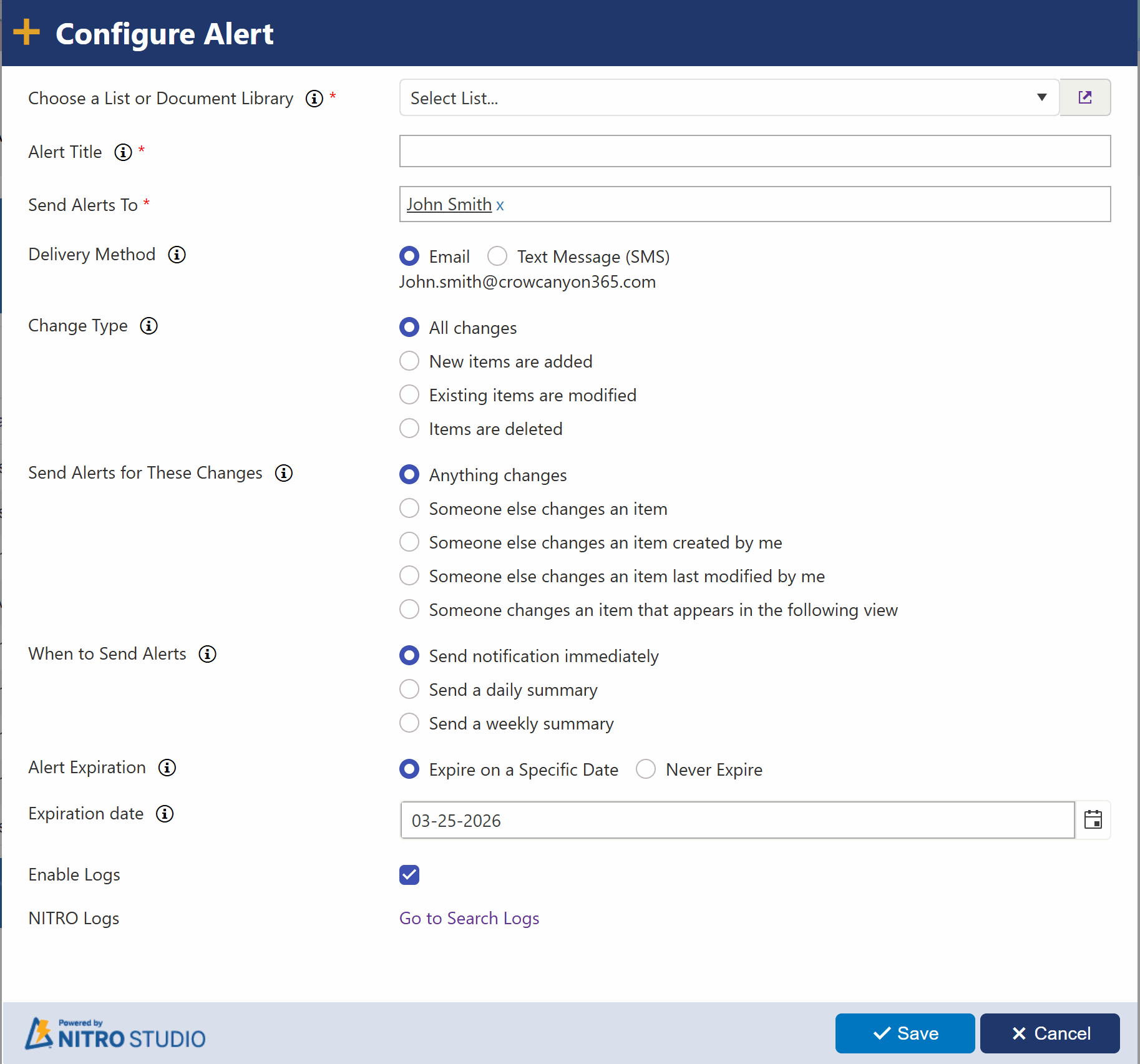
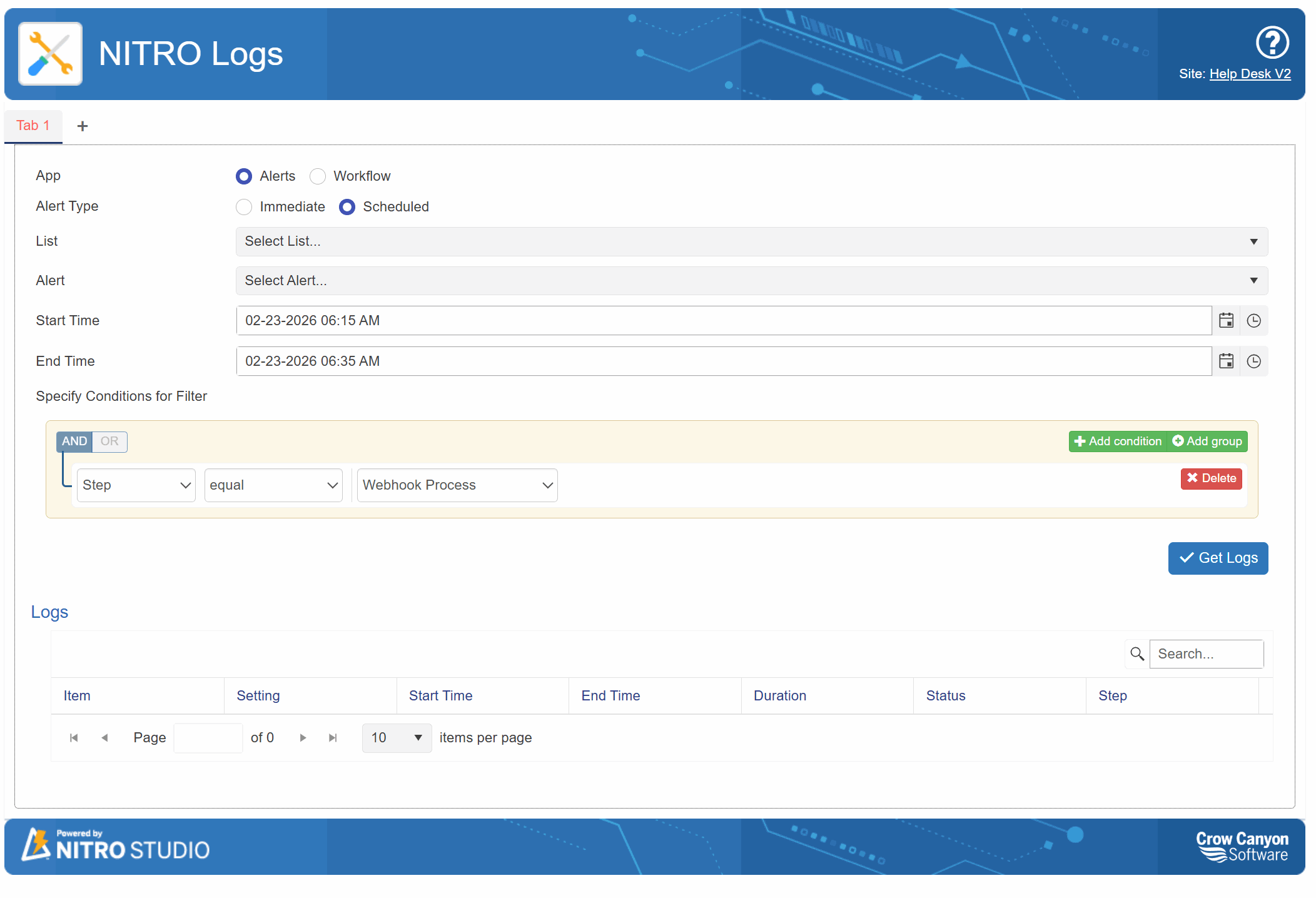
In October 2025, Microsoft began phasing out SharePoint’s built-in email alert functionality — a tool many organizations have long relied on to monitor changes in lists and document libraries. By early 2026, these legacy alerts will be fully retired across Microsoft 365 environments, requiring organizations to adopt an alternative notification solution.
No Coding. No Workflows. No Extra Tools.
Unlike traditional alerting methods that rely on Power Automate or custom workflows, NITRO Alerts runs entirely within your SharePoint environment. Everything is configured directly from your site settings — no coding, no connectors, no external dependencies.
Flexible Sender & Recipient Controls
Take full control over who sends and receives notifications.
-
Customize the “From” address
-
Add CC and BCC recipients
-
Pull recipients dynamically from list fields
-
Send to internal teams, external partners, or distribution lists
This flexibility ensures the right people are notified at exactly the right time.
Advanced Trigger Conditions
Go far beyond basic “item changed” alerts.
Trigger notifications when:
-
A status changes (e.g., Approved, Escalated, Completed)
-
A due date is approaching
-
A numeric value exceeds a threshold
-
Specific field combinations are met
You can create multiple trigger rules per list, giving you precise, granular control over when alerts are sent.
Real-Time or Scheduled Delivery
Choose the notification style that fits your organization:
-
Instant alerts for time-sensitive updates
-
Scheduled digest emails that consolidate multiple changes into a single summary
Digest mode is ideal for managers who want one clean daily report instead of dozens of individual messages.

Rich Email Design Tools
Create polished, professional notifications using the built-in rich text editor.
-
Insert tables, images, and logos
-
Add hyperlinks and formatted text
-
Use dynamic placeholders to display live SharePoint data such as field values, usernames, and item links
Your alerts look branded, clear, and actionable — not like generic system emails.
Reusable Email Templates
Standardize communication across departments by creating reusable templates.
Save time, maintain consistent messaging, and simplify ongoing updates across multiple lists and sites.
Embedded Approval Buttons
Turn notifications into action.
Add approval and rejection buttons directly inside the email. Recipients can respond instantly without opening SharePoint — accelerating processes like:
-
Vacation requests
-
Purchase approvals
-
Document reviews
-
Change requests
NITRO Alerts transforms basic SharePoint notifications into a powerful, business-ready communication engine — helping teams stay informed, responsive, and efficient.
NITRO Alerts Features
| Features | NITRO Alerts | SharePoint Native |
| Send alerts to any user, internal or external | ✓ | |
| Send reminders according to a value in a Date column, complete with repeating | ✓ | |
| Send alerts only when conditions apply | ✓ | |
| Customize alert messages | ✓ | |
| Integration with SharePoint list UI | ✓ | ✓ |
| Migrate Native SharePoint Alerts to NITRO Alerts | ✓ | |
| Integrates with NITRO Forms | ✓ | |
| Alerts generated outside businees hours can be postponed until the next business day | ✓ | |
| FROM field is configurable for each alert | ✓ |
Real-World Use Cases for NITRO Alerts
Project Management
Automatically notify stakeholders when milestones are reached, timelines shift, or project statuses change — keeping everyone aligned without manual follow-up.
HR & Employee Onboarding
Send automated reminders for upcoming training sessions, expiring certifications, policy acknowledgments, or onboarding task completions.
IT Help Desk
Instantly alert technicians when new tickets are submitted, reassigned, or escalated — ensuring faster response times and improved service delivery.
Quality & Safety Management
Notify supervisors the moment incident reports are filed or when investigation statuses are updated, helping maintain compliance and accountability.
Document Libraries
Inform reviewers when new documents are uploaded, modified, or ready for approval — streamlining review cycles and preventing bottlenecks.
These examples represent only a fraction of what’s possible. With NITRO Alerts, virtually any SharePoint-based process can be enhanced with intelligent, rule-driven email notifications tailored to your organization’s needs.